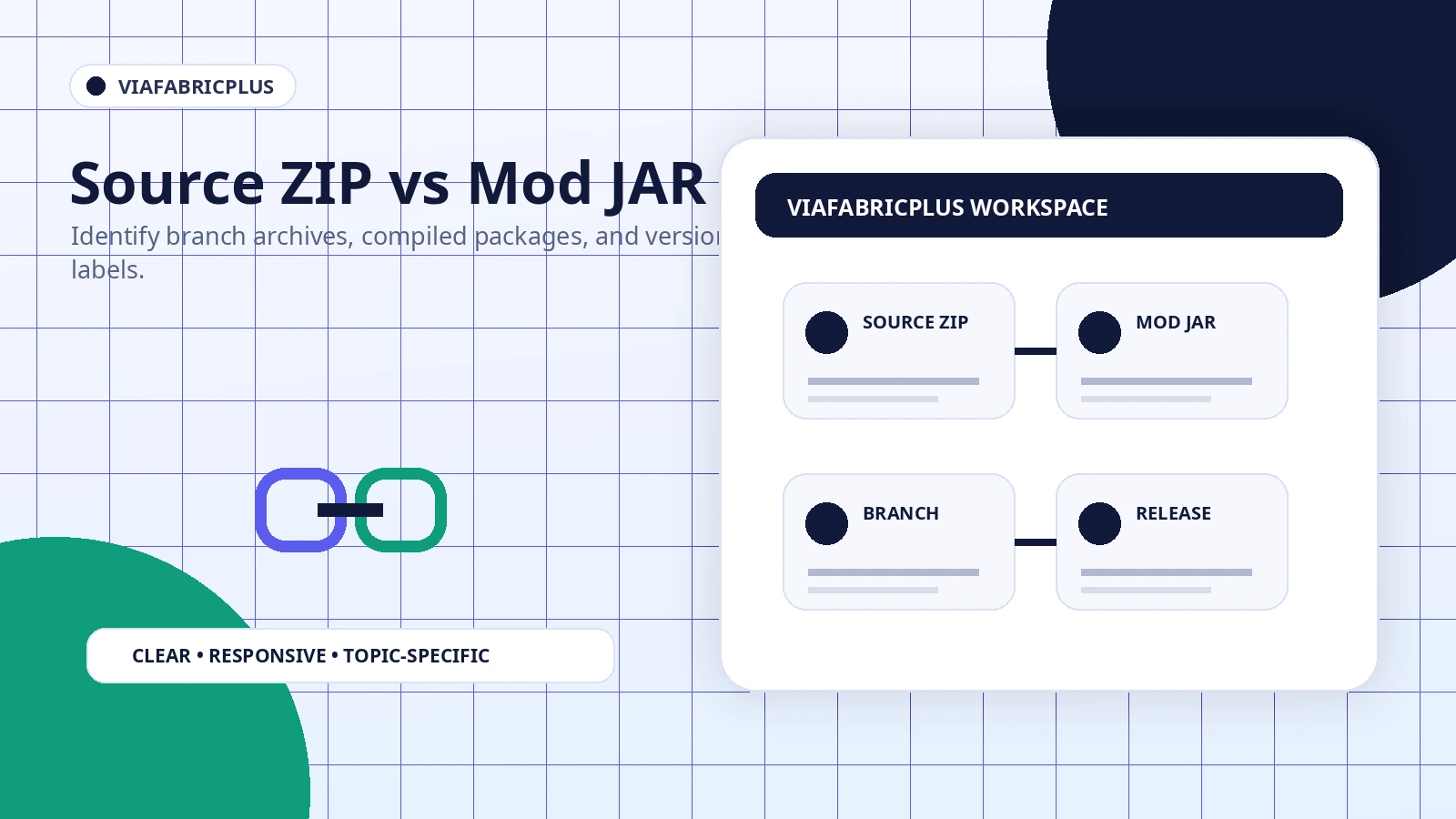
GitHub can expose several file types for the same project: source archives, development branches, tagged source snapshots, and compiled release assets. They do not all serve the same purpose.
What a branch ZIP contains
A branch archive normally contains project source files and build configuration. It is useful for review, development, or compilation, but it is not automatically a ready-to-run Minecraft mod.
What an installable mod file looks like
A compiled Fabric mod is commonly distributed as a JAR with clear version and loader information. It belongs in the matching profile only after dependencies and game support are confirmed.
Why filenames are not enough
A file can include the project name while targeting a different branch or development state. Check the package context, version information, and release notes instead of relying on a familiar filename.
Safe handling workflow
Download the archive, scan it locally, extract it into a temporary folder, and inspect the contents. Do not run unrelated executables or installers that are not part of a normal Fabric mod workflow.
Using the configured download on this site
The main button points to the supplied ver/26.2 branch archive. Treat it as source code unless you intentionally plan to review or build the project.