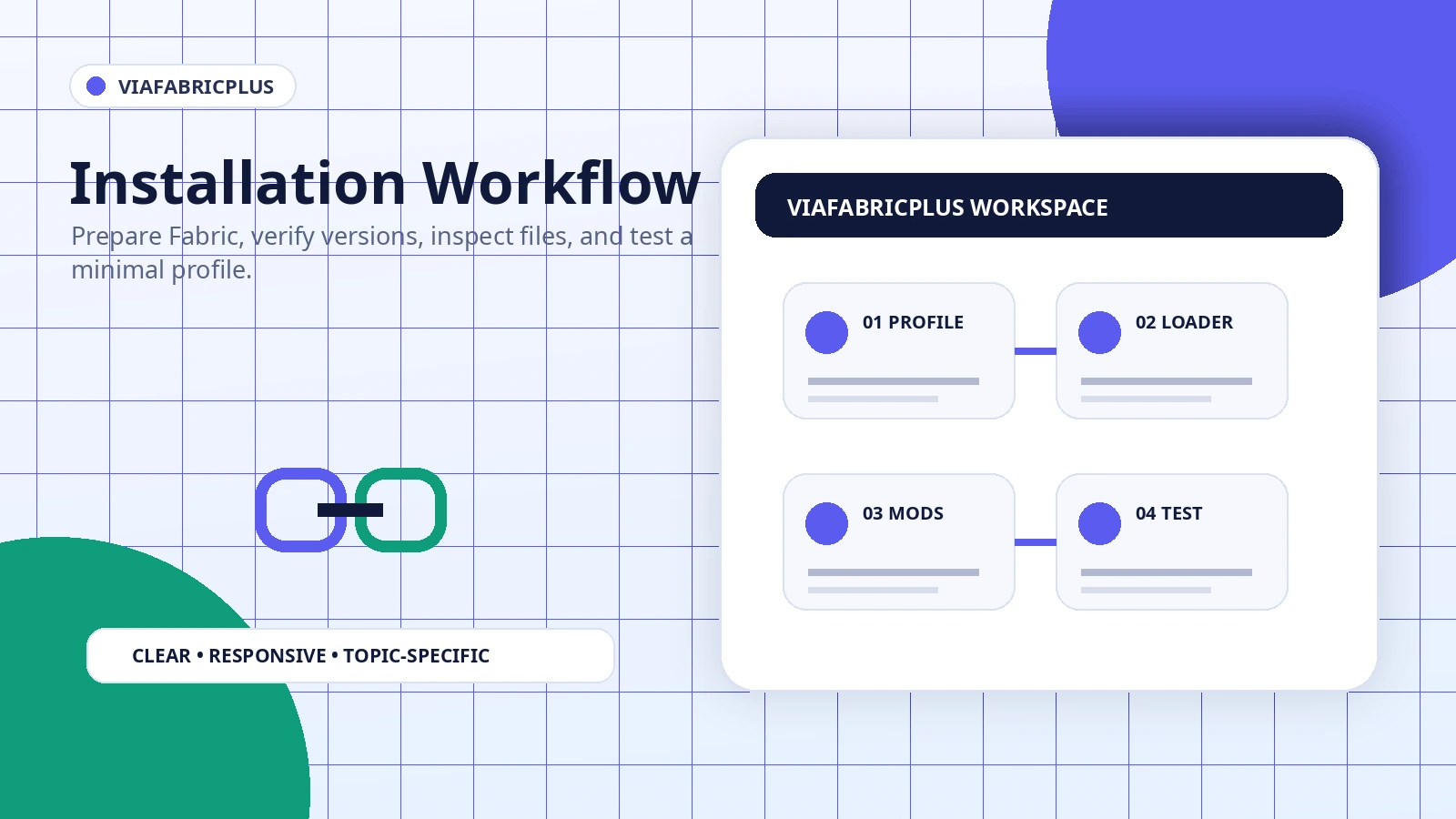
A reliable installation begins before any file is copied. The most important steps are choosing the correct Minecraft profile, confirming the loader, understanding whether the download is a source archive or compiled mod, and keeping the test reversible.
Prepare a separate Minecraft profile
Create a new profile or copy an existing test profile instead of modifying the one that holds important worlds or a large modpack. Name the profile with the game version and loader so you can identify it later. This makes removal and comparison much easier.
Confirm Fabric and game version compatibility
ViaFabricPlus belongs in a Fabric-oriented client environment. The Minecraft version, Fabric Loader version, dependencies, and mod build must agree. A file intended for one branch may not load on another, even when the filename looks similar.
Understand the downloaded package
The main download configured on this site is a ZIP source archive from a branch. It should not be copied directly into the mods folder as though it were a compiled JAR. Extract it for review and use a compiled release only when the package documentation clearly identifies it as installable.
Launch with the smallest mod set
Start with the loader, required dependencies, and ViaFabricPlus only. If the profile opens, add other client mods in small groups. This method identifies conflicts without repeated full reinstalls.
Verify the first connection
Choose the intended protocol option, connect to one known server, and keep the latest log from the first test. A successful launch does not guarantee every server will accept the selected protocol because server plugins and policies still apply.