Protocol selection
Choose a supported protocol target that better matches the server version you intend to join.
Download ViaFabricPlus, a Fabric mod that enables Minecraft players to connect with servers across multiple versions with seamless compatibility and easy setup.
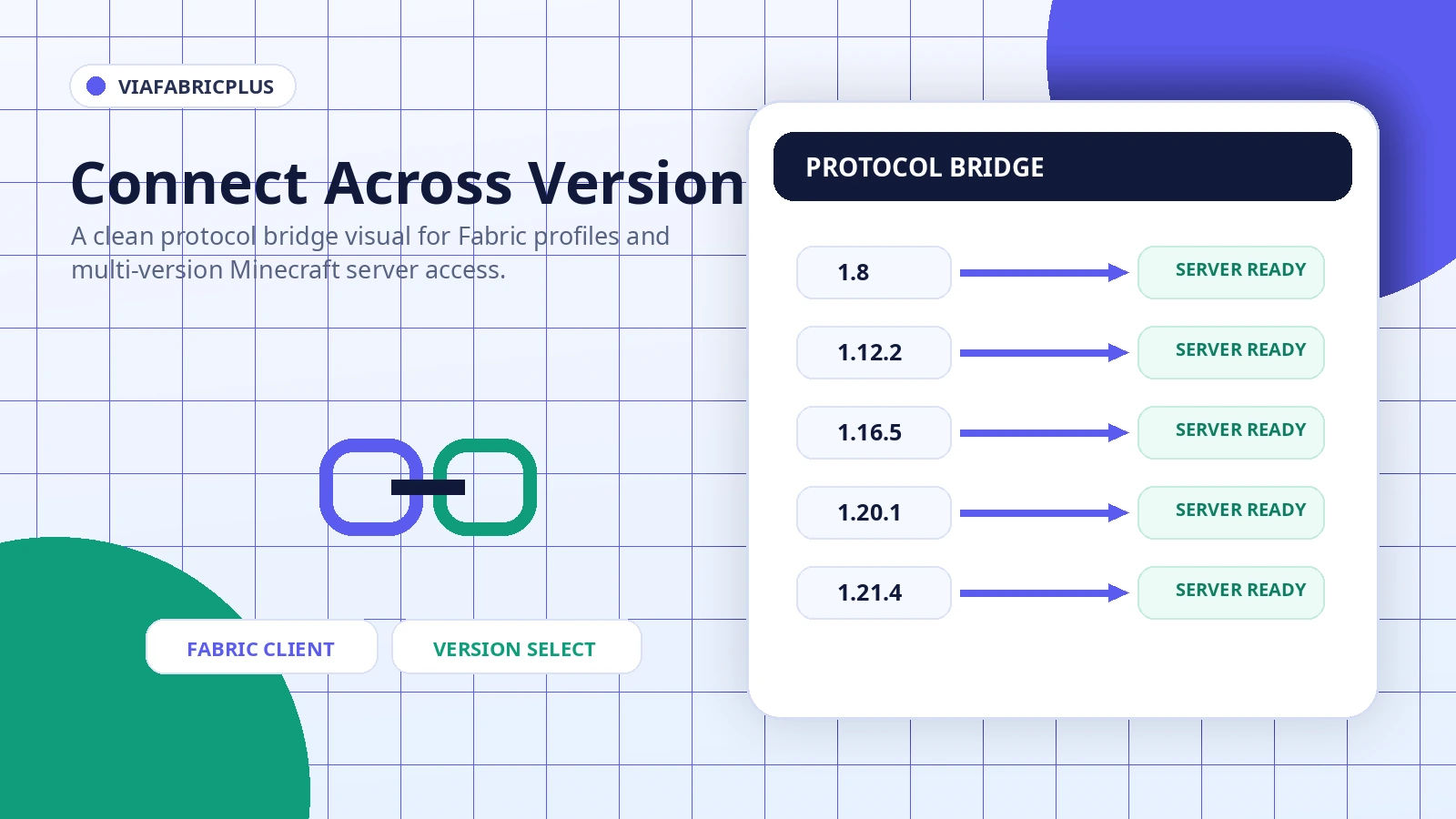
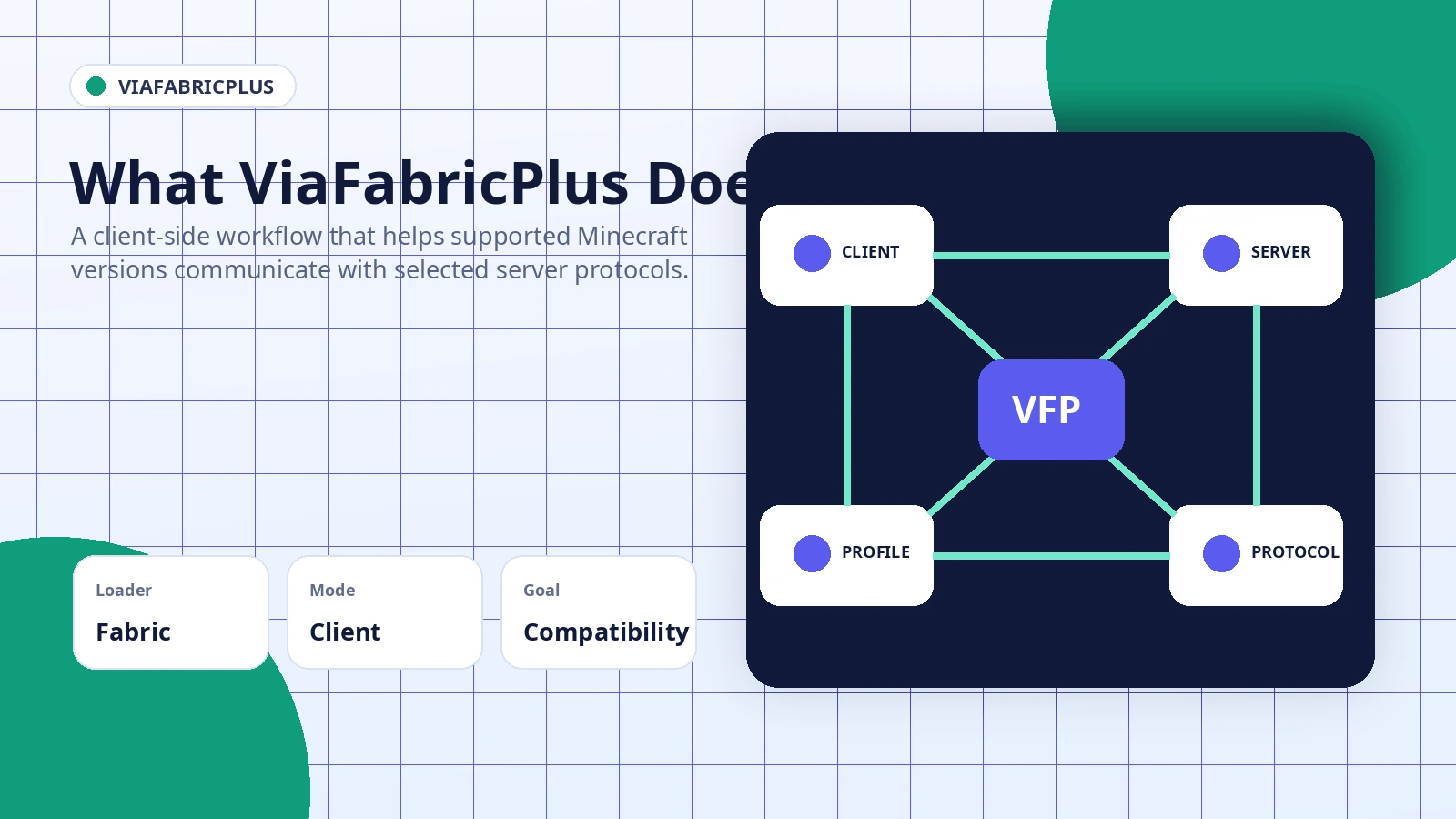
ViaFabricPlus is designed for Fabric-based Minecraft clients that need more control over protocol compatibility when connecting to servers. It does not replace a server, and it is not a Forge plugin. A correct setup starts with the right Minecraft profile, a compatible Fabric environment, and a file that matches the intended game version.
This site explains the installation logic, version checks, safety practices, and common failure points without adding unrelated tools or hidden installers.
Each capability is arranged in a focused protocol tile so you can understand its purpose before changing a Minecraft profile.
Choose a supported protocol target that better matches the server version you intend to join.
Works inside a Fabric-oriented client profile, keeping the compatibility workflow on the player side rather than requiring a server plugin.
Encourages separate profiles for Minecraft 1.20.1, 1.21.4, and other supported branches so files are easier to manage and test.
Clear troubleshooting guidance helps isolate loader mismatches, duplicate files, incompatible mods, and server-side limitations.
The mod operates inside a compatible client. The selected profile loads the mod, the protocol setting influences the connection handshake, and the server still applies its own authentication, plugin, packet, and anti-cheat rules.
Download NowMatch Minecraft, loader, and required dependencies.
Distinguish a source ZIP from a compiled mod file.
Use a supported target that matches the server need.
Test with a minimal profile and review logs if needed.
Reliable installation depends on the game version, Fabric Loader, dependencies, other networking mods, and the server configuration.
These scenarios focus on practical testing and connection management rather than promising universal server access.
Evaluate whether a supported client protocol can connect to an older server environment.
Keep separate Fabric profiles for different Minecraft branches and mod combinations.
Compare a minimal profile against a larger modpack when a connection fails.
Identify whether a limitation comes from the client, protocol support, or server rules.
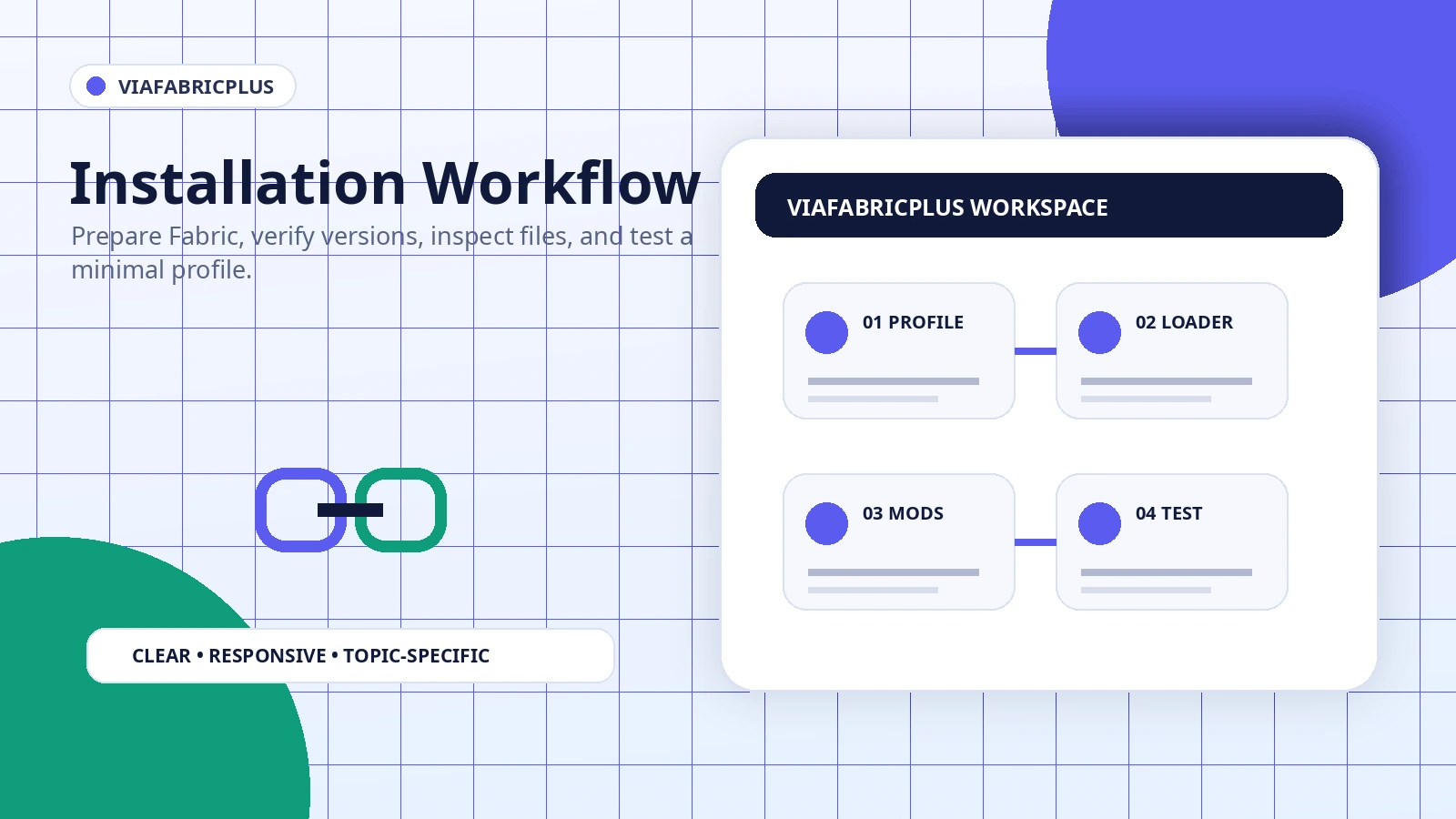
Keep the test separate from important worlds and established modpacks.
Confirm Minecraft, Fabric Loader, and dependency compatibility.
The configured link provides a ZIP source archive, not a guaranteed ready-to-run JAR.
Add other client mods only after the base profile starts correctly.
The configured package is a ZIP archive from the specified project branch. Review and extract it carefully. A source archive is not the same as a compiled mod JAR.
Download ViaFabricPlus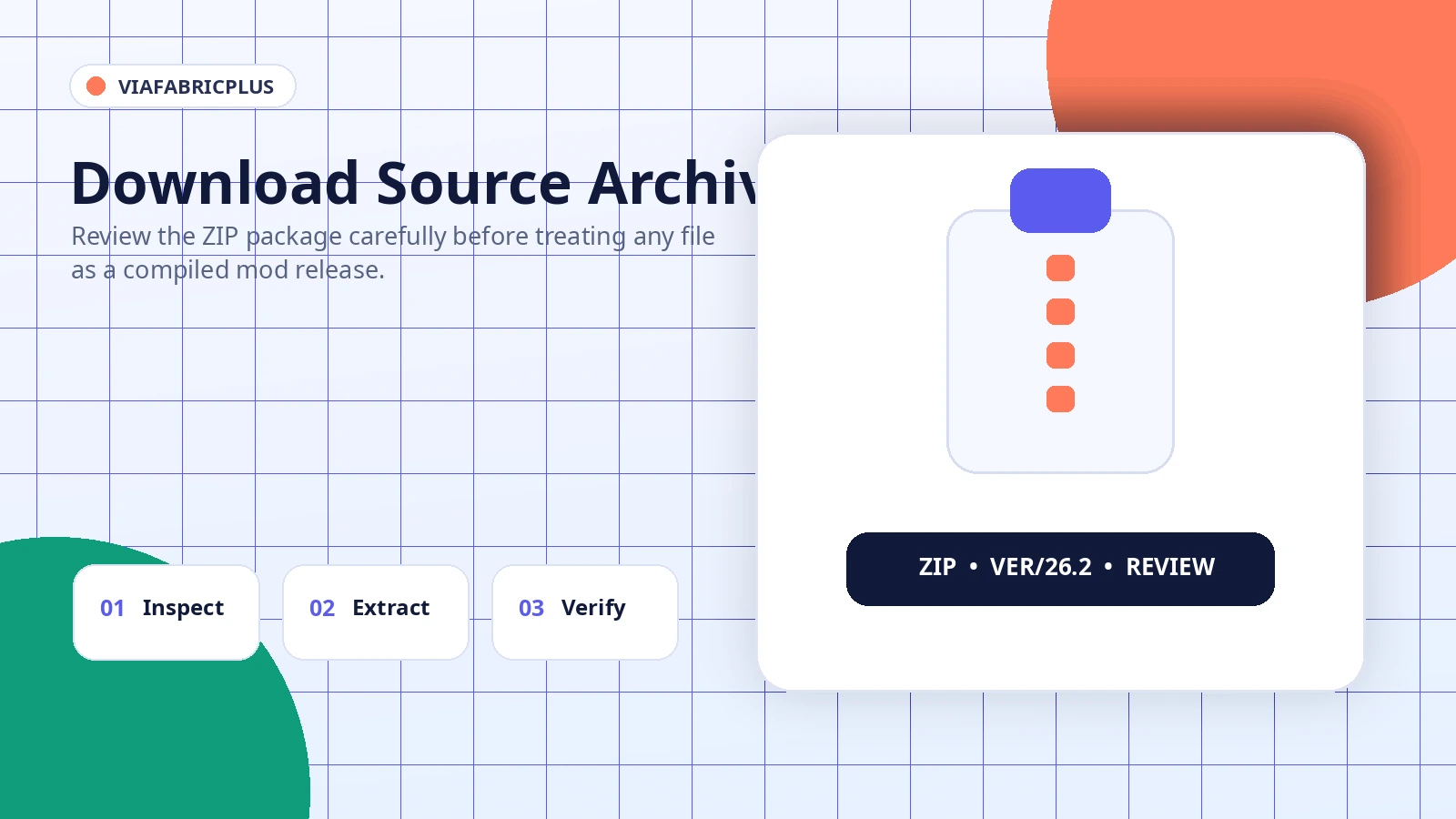
Do not judge a file only by its name. Confirm the archive type, scan downloads with a trusted local security tool, avoid unofficial installers, keep backups, and never enter account credentials into a mod package or setup program.
Protocol tools can be useful, but compatibility remains dependent on both the client profile and the server.
This page avoids labeling the configured archive as the universal latest release because branch archives and compiled releases serve different purposes.
The download URL points to a branch source archive. It is suitable for source review or development workflows, but it should not be described as a ready-to-run mod without compilation and dependency checks.
Start with the first clear error and reduce the profile to the smallest working combination.
Check version compatibility, dependencies, duplicate files, and the latest log before reinstalling everything.
Use the intended protocol target and remember that server authentication, plugins, and anti-cheat rules still apply.
Confirm the mod loaded in the selected Fabric profile and test without other mods that change the same screens.
Read the static guides for version-specific planning, source archive handling, platform checks, and common errors.
Prepare a separate Fabric profile and verify the package type.
Read installation guide →
Evaluate downloads without relying on the filename alone.
Read safety guide →
Diagnose startup, loading, and connection failures step by step.
Read troubleshooting guide →Exactly twenty software-specific questions are organized into two clear setup and safety categories.
ViaFabricPlus is a client-side Minecraft Fabric mod designed to help players connect across supported protocol versions. It adds protocol selection and compatibility tools without turning the client into a server plugin.
There is no native Forge installation in this project setup. A Forge profile cannot load a Fabric mod directly, so use a compatible Fabric environment rather than placing the file in a Forge-only profile.
A 1.21.4 setup requires a build intended for that Minecraft branch. Confirm the supported game version before installation because older builds may fail during launch.
Yes, the mod is intended for a Fabric-based client environment. Use a compatible Fabric Loader profile and follow the dependency information supplied with the build you choose.
After a compatible installation, protocol options are normally exposed through the mod interface. Select the version that matches the server requirement rather than choosing a random older protocol.
It is a client mod for the Fabric ecosystem, not a server-side plugin. The installation process therefore belongs in the client mods folder for the matching Fabric profile.
Compatibility depends on the exact mod build, loader version, and game version. Use a build that explicitly supports your 1.20.1 environment and keep a separate profile before changing files.
A compiled mod file belongs in the mods folder of the Fabric profile you plan to launch. The configured download on this site is a ZIP source archive, so do not treat it as a ready-to-run JAR without reviewing its contents.
It can share a profile with other compatible Fabric mods, but conflicts are possible when multiple mods change networking, protocol behavior, or the same game screens. Test additions one at a time.
The main purpose is network protocol handling, but every modded profile should be treated cautiously. Back up important saves and keep test profiles separate before changing loaders or mod versions.
The project name itself does not determine whether a file is safe. Verify the source, inspect the archive type, scan downloads locally, and avoid repackaged installers that ask for unrelated permissions.
Protocol translation cannot guarantee compatibility with every server configuration. Authentication rules, server plugins, anti-cheat systems, custom packets, and unsupported protocol features can still prevent a connection.
GitHub may provide source archives, tagged releases, or development branches. A source ZIP is not automatically the same as a compiled mod release, so confirm the file type before installation.
The mod may not have loaded, the build may target a different game version, or a conflicting mod may have altered the same interface. Confirm the mod appears in the profile and inspect the log for loading errors.
Back up the profile, remove the old file, verify the new build supports your game version, and launch once with a minimal mod set. Avoid keeping duplicate versions in the same mods folder.
Common causes include a mismatched Minecraft version, incompatible Fabric Loader, missing required dependencies, duplicate mod files, or another networking mod conflict. Read the first relevant error in the latest log.
Remove the most recent change, launch the same profile again, and review the latest log. Reintroduce ViaFabricPlus with only required dependencies before adding other mods back individually.
Community projects may publish on recognized mod platforms, but listing availability can change. Confirm the project identity, supported versions, file type, and uploader details before using any package.
Protocol handling normally has a smaller impact than graphics-heavy mods, but results depend on the client, server, other mods, and chosen protocol. Compare the same scenario with and without the mod.
Close the game, remove the relevant mod file from the profile mods folder, and launch the profile again. If a problem remains, also check for related dependencies or configuration files left by the setup.